01
A fuller device workspace
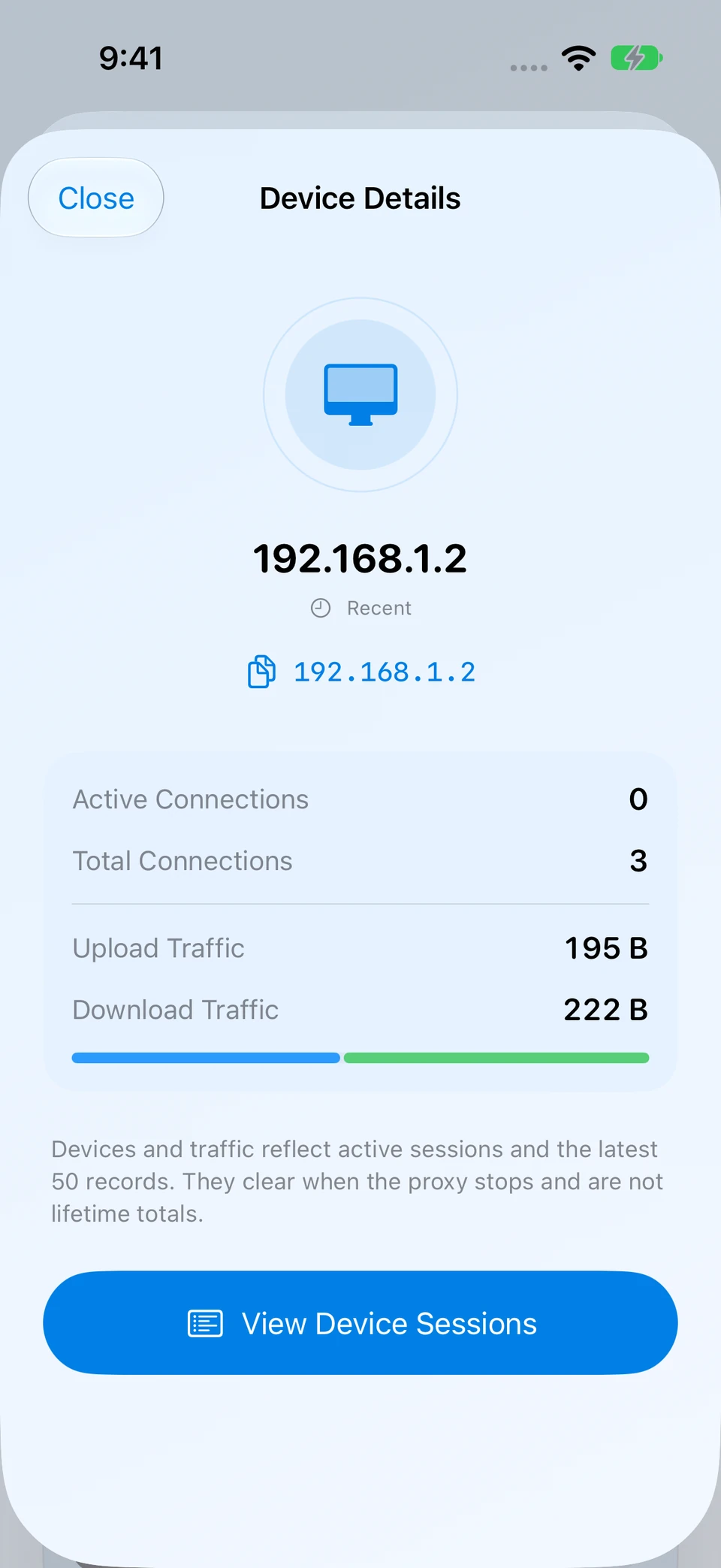
Filter by state, open device details and related sessions, and export the filtered device records.
Run an HTTP, HTTPS CONNECT and SOCKS proxy on your iPhone. Connect your Mac, Windows PC or test devices on the same local network, then see their connections and real traffic.
No account to create. The proxy service runs on your device.
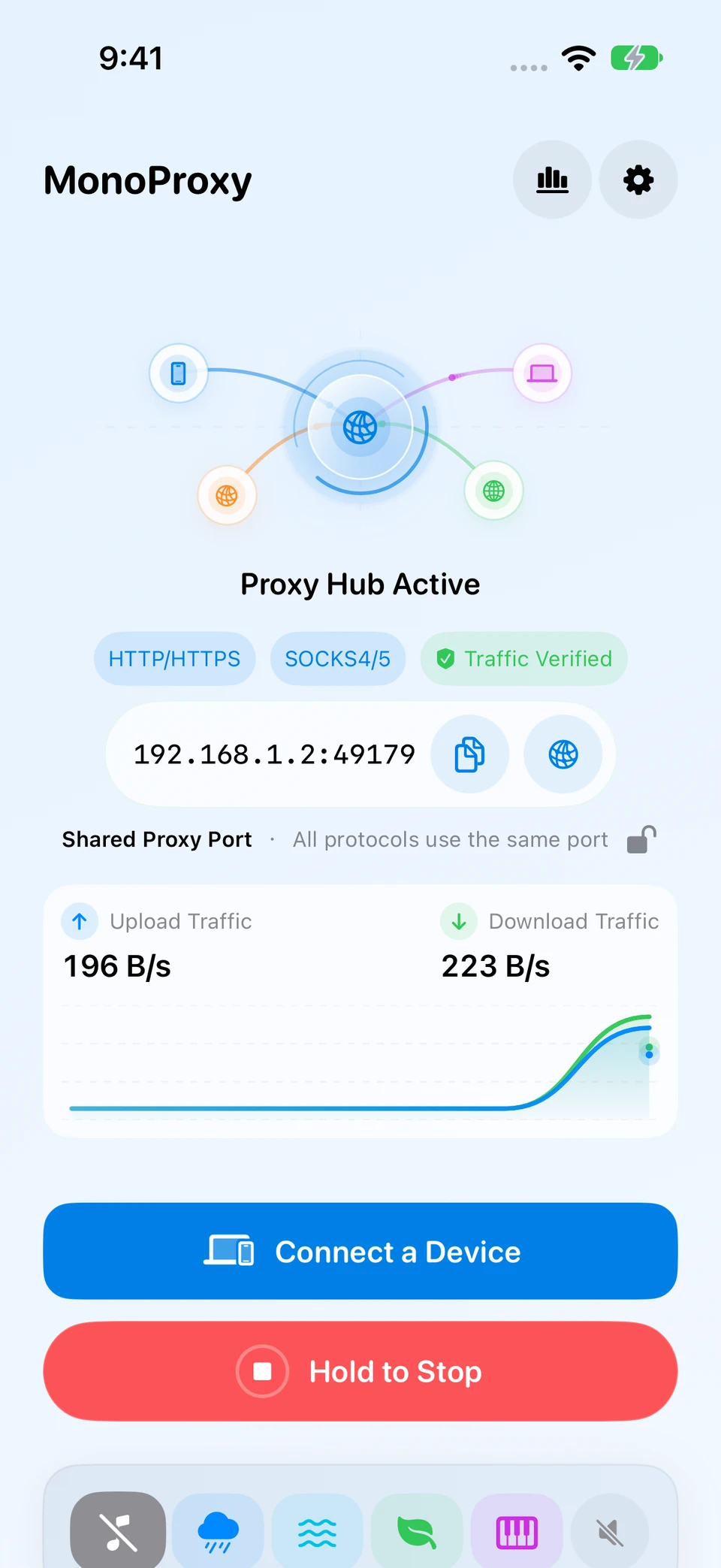
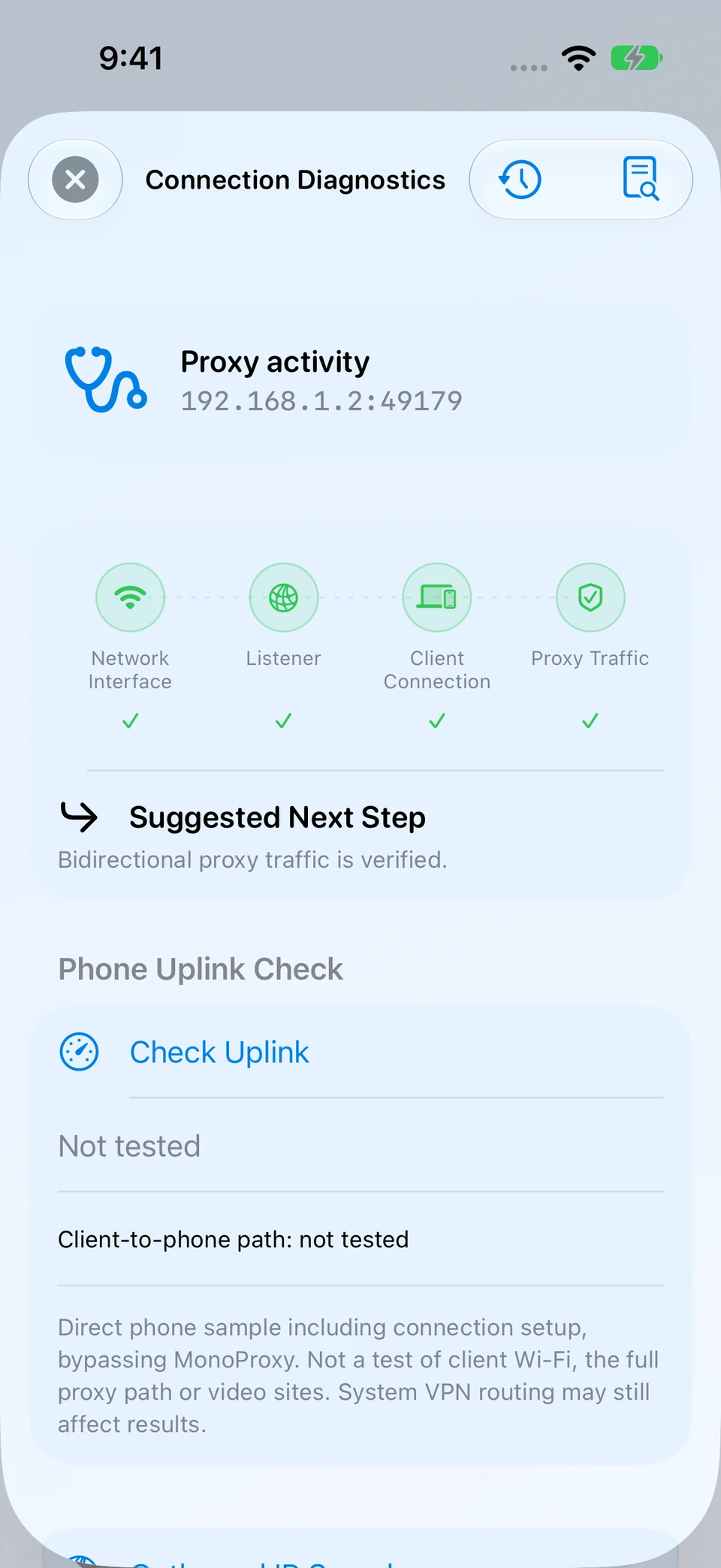
Explore richer device details, session analysis and connection diagnostics, plus easier profile imports and exports. Network recovery, audio handling and runtime safeguards have also been refined.
Filter by state, open device details and related sessions, and export the filtered device records.
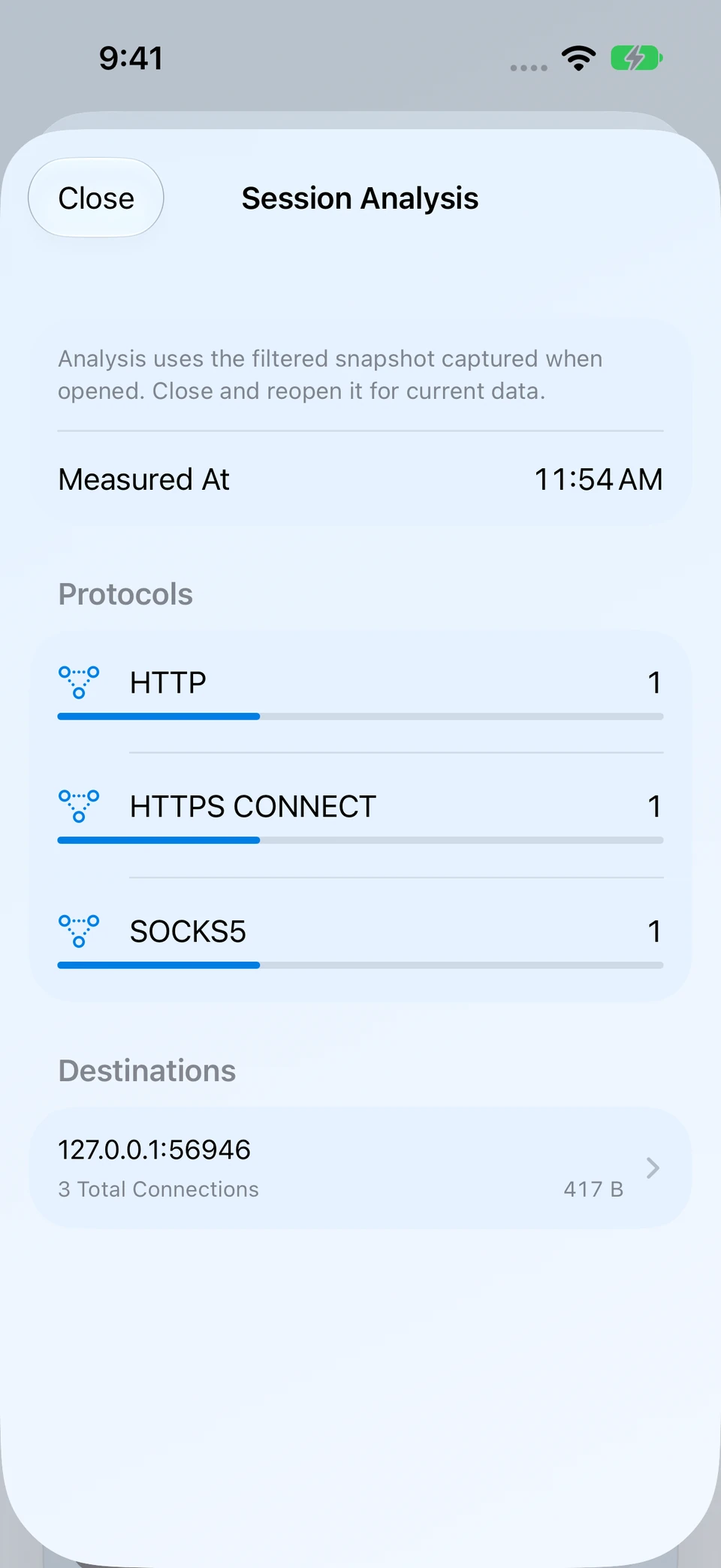
Group filtered snapshots by protocol and destination, then inspect or export the underlying records.
Filter diagnostic records by stage and result, inspect resource status and preview a redacted report before sharing.
Search and sort profiles, preview import changes, choose exports and duplicate a configuration without copying its password.
Improve service recovery after network changes, with refinements to audio handling, authentication safeguards and resource management.
MonoProxy keeps “the port is open” separate from “a client is connected” and “traffic really moved,” so every status has a precise meaning.
Select the Wi-Fi or LAN address your client can reach, then start the service.
Copy the address, scan a configuration, or follow the platform guide.
Watch Listening become Client Connected, then Traffic Verified after bytes transfer.
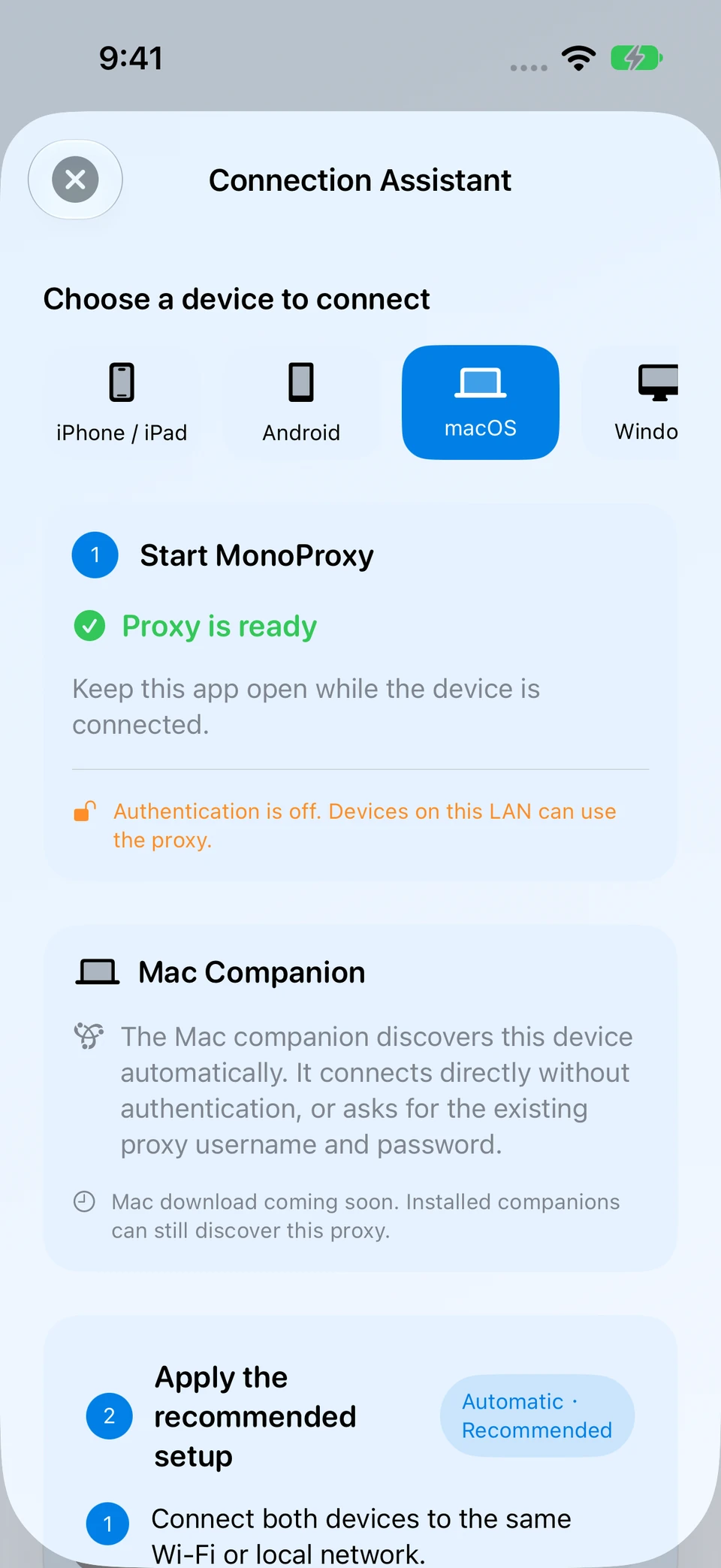
Run MonoProxy once, then point the computers, tablets and test devices already on the same local network at one endpoint.
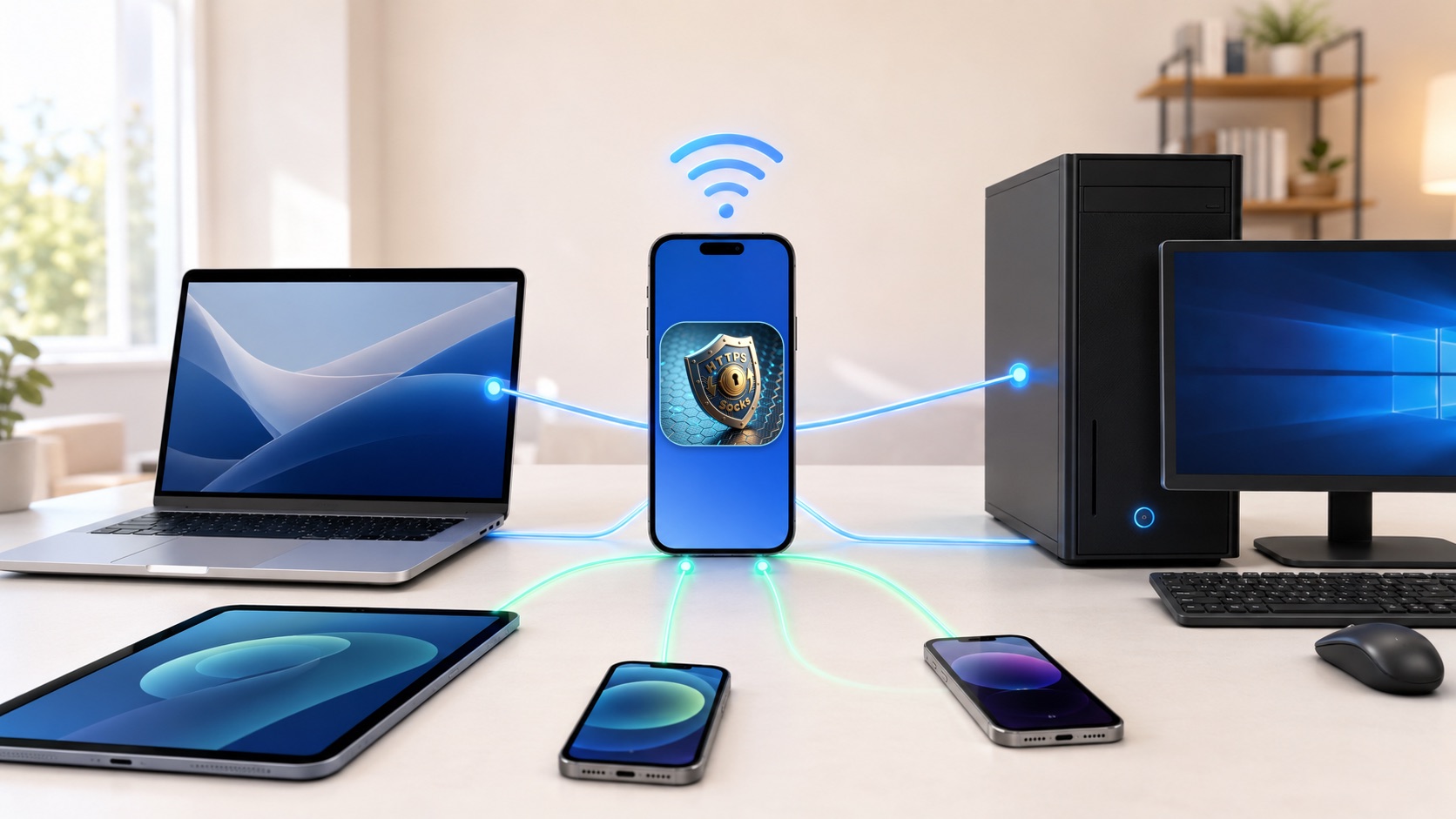
The latest MonoProxy interface keeps configuration simple while exposing the details that matter when you need them.
New iOS interface · Simulator captures with local test sessions. Select a screenshot to enlarge.
Analyse the filtered snapshot by protocol and destination, inspect the records behind each group and export what you need.
Inspect a device’s connection count and traffic, open its sessions, or disconnect and block it when needed.
Check the network interface, listener, client connection and verified traffic separately. Preview a redacted diagnostic report before sharing.
Open Connect a Device, select a platform and follow its setup steps. The macOS guide includes Companion discovery and manual proxy setup.
Control skins, animations, the proxy port, SOCKS support, authentication and local history in the iOS app.
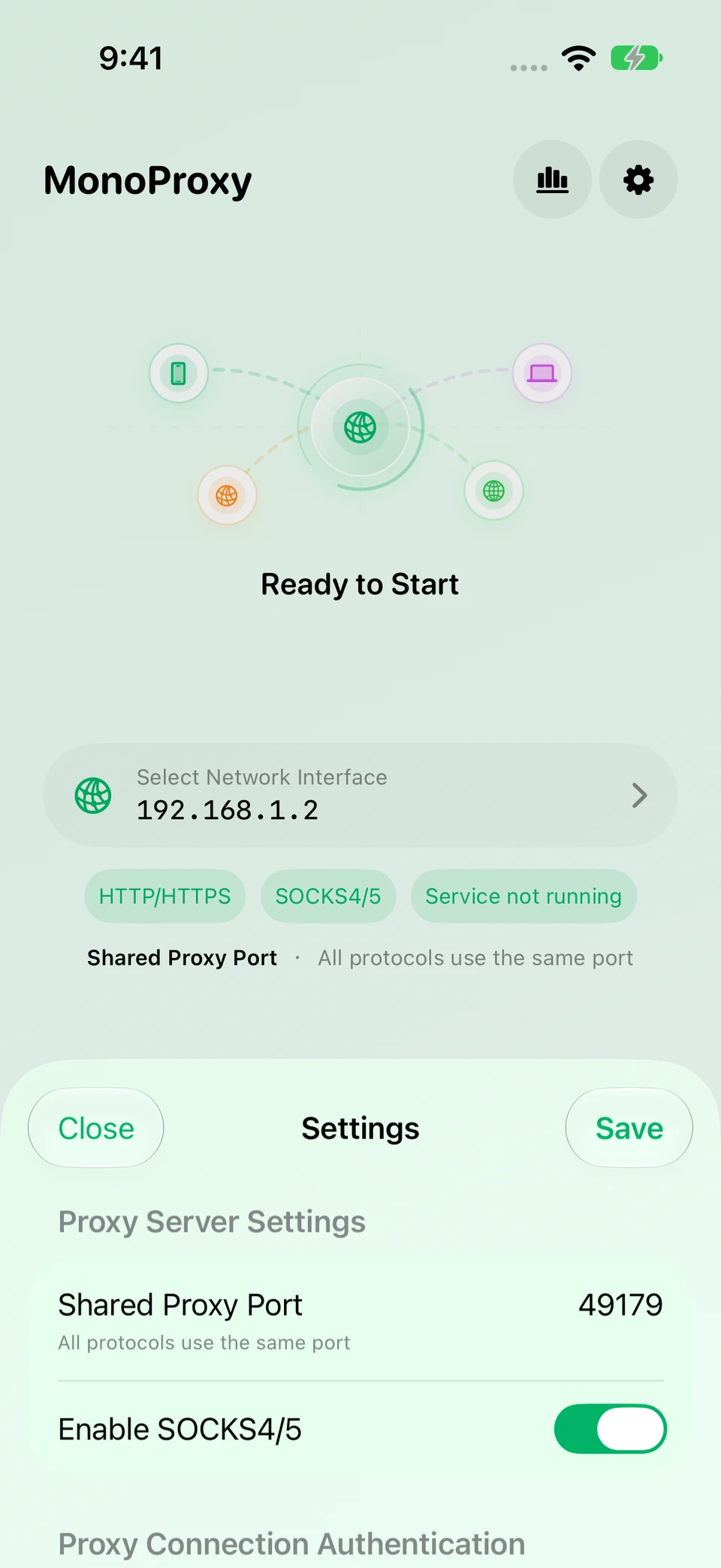
HTTP, HTTPS CONNECT, plain WebSocket, SOCKS4, SOCKS4a and SOCKS5 share the same host and port. MonoProxy detects the client protocol automatically.
Find nearby MonoProxy services, verify the proxy path and try backup configurations when connection attempts fail. Proxy Companion makes connecting your Mac to your iPhone’s proxy easier.
Another address to type
Continuously discover running MonoProxy services on the same local network. Add a discovered service as a configuration and connect; manual address entry is also available.
Proxy sign-in keeps interrupting
Store your proxy credentials in macOS Keychain. Companion authenticates the connections it manages, so those apps do not each need to enter the upstream proxy credentials again.
The browser works. Other apps do not.
Transparent mode handles eligible app connections, including apps that ignore system proxy settings. Rules let you proxy, connect directly or block. First use requires network extension approval.
A failed connection with no clue why
Inspect connection records, matched rules and diagnostic stages to find the next useful check.
A proxy is listed, but will it work?
Verify the proxy path before connecting and keep checking the active connection. Configure HTTP/HTTPS check targets or check a saved proxy separately when needed.
A proxy fails, and you have to pick again
Enable automatic failover to try eligible, same-mode backup configurations in priority order after a failed connection attempt. Compatibility mode also supports switching after a detected runtime failure.
Switching policy: discovery refresh does not switch a healthy connection. An established transparent-mode connection that fails blocks proxied traffic and retries its current upstream. Switching may interrupt existing sessions.
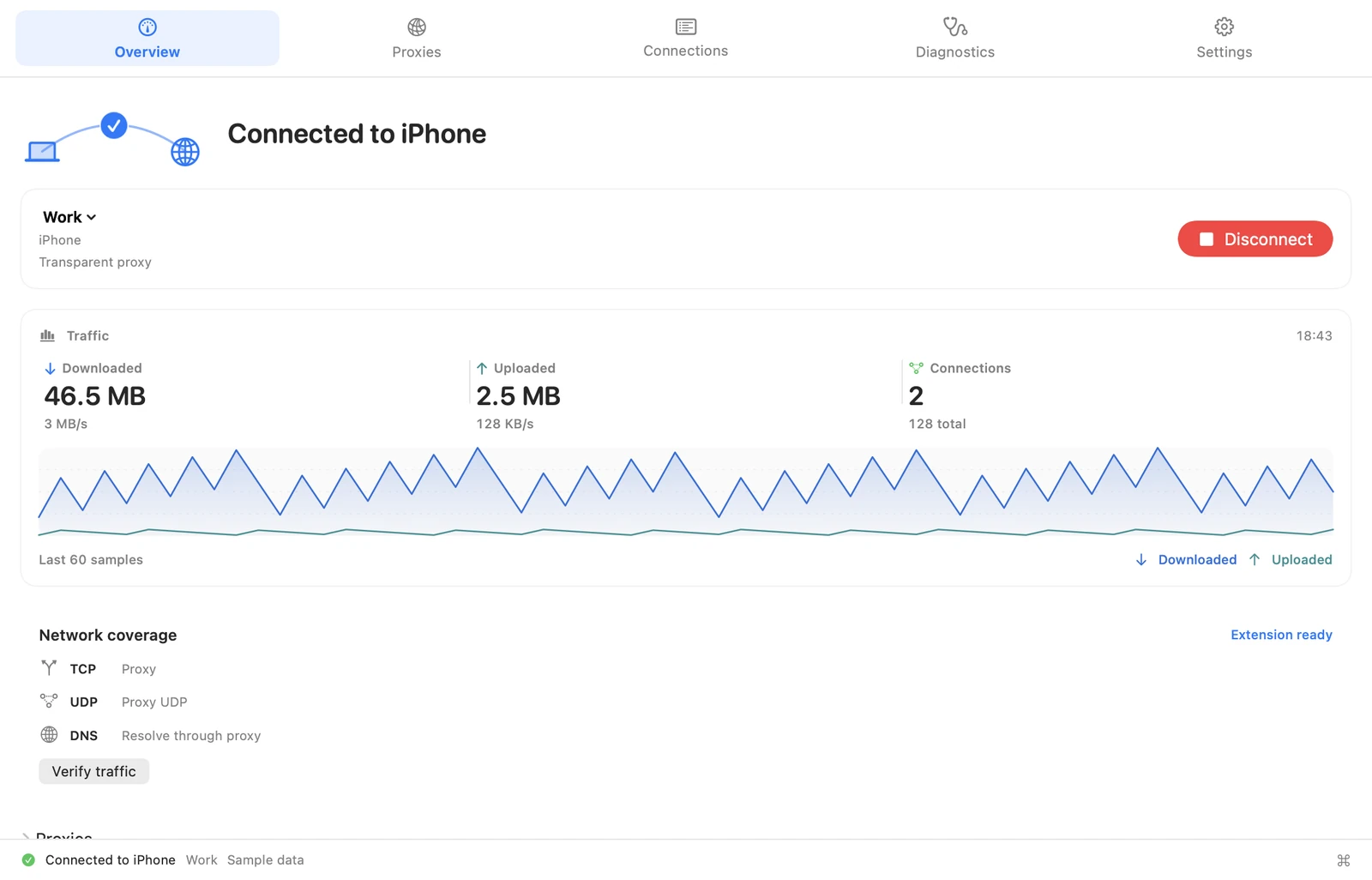
Keep both devices on the same local network and start the proxy service. Open Connect a Device and select macOS.
In Companion, add the discovered phone service as a configuration. If discovery is unavailable, enter the address and port shown on iPhone.
Enter the proxy credentials if required, then connect. Open a page and confirm verified traffic in the iOS app.
Proxy Companion for Mac is a separate app. The setup guide also includes manual macOS configuration.
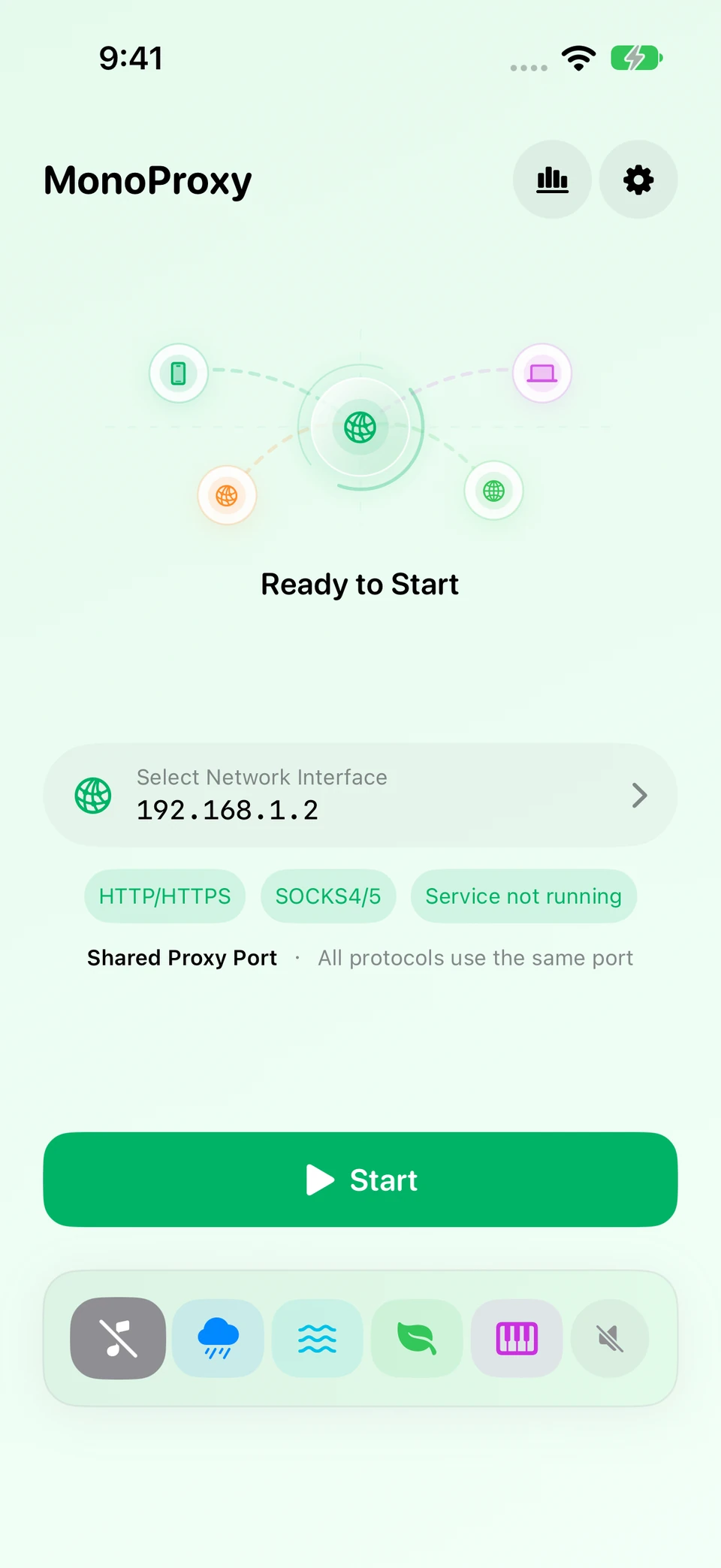
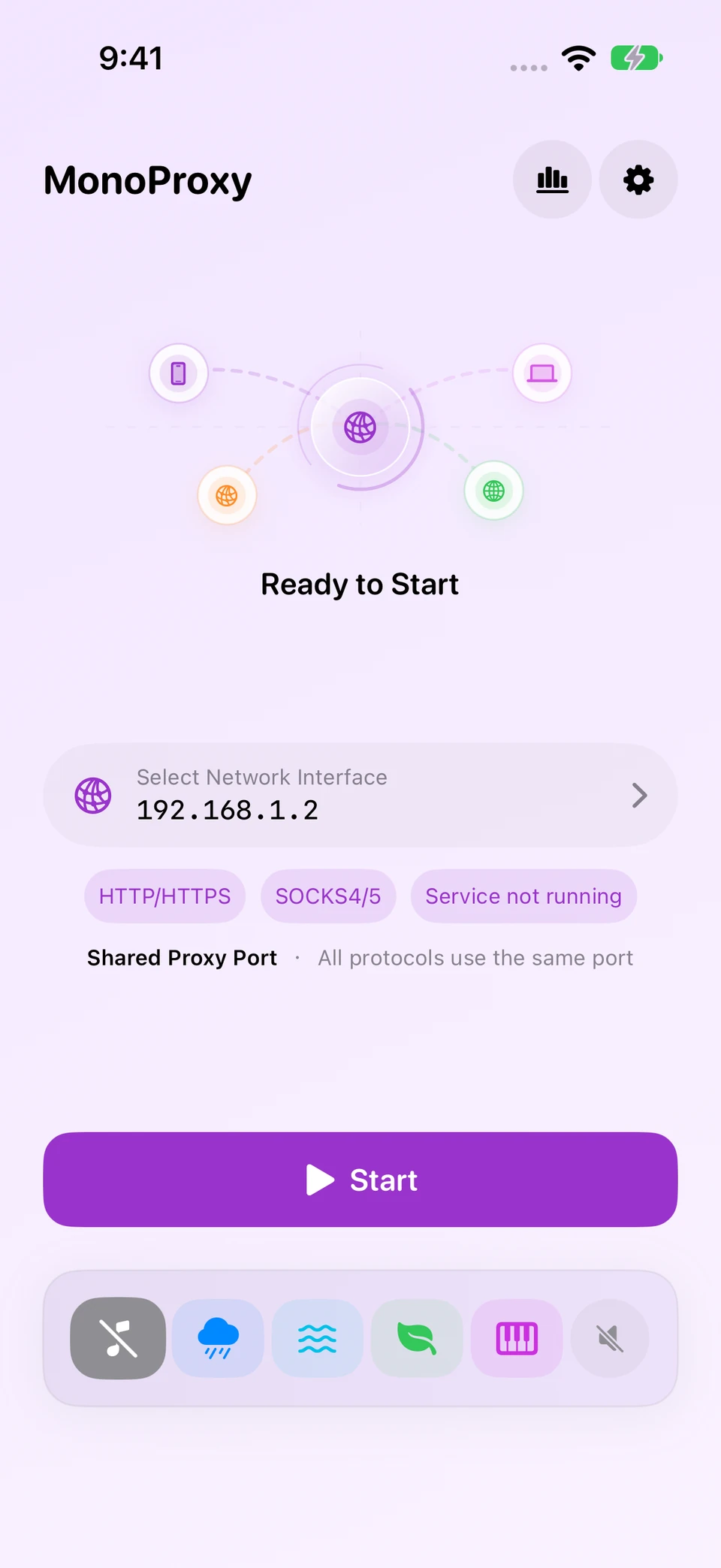
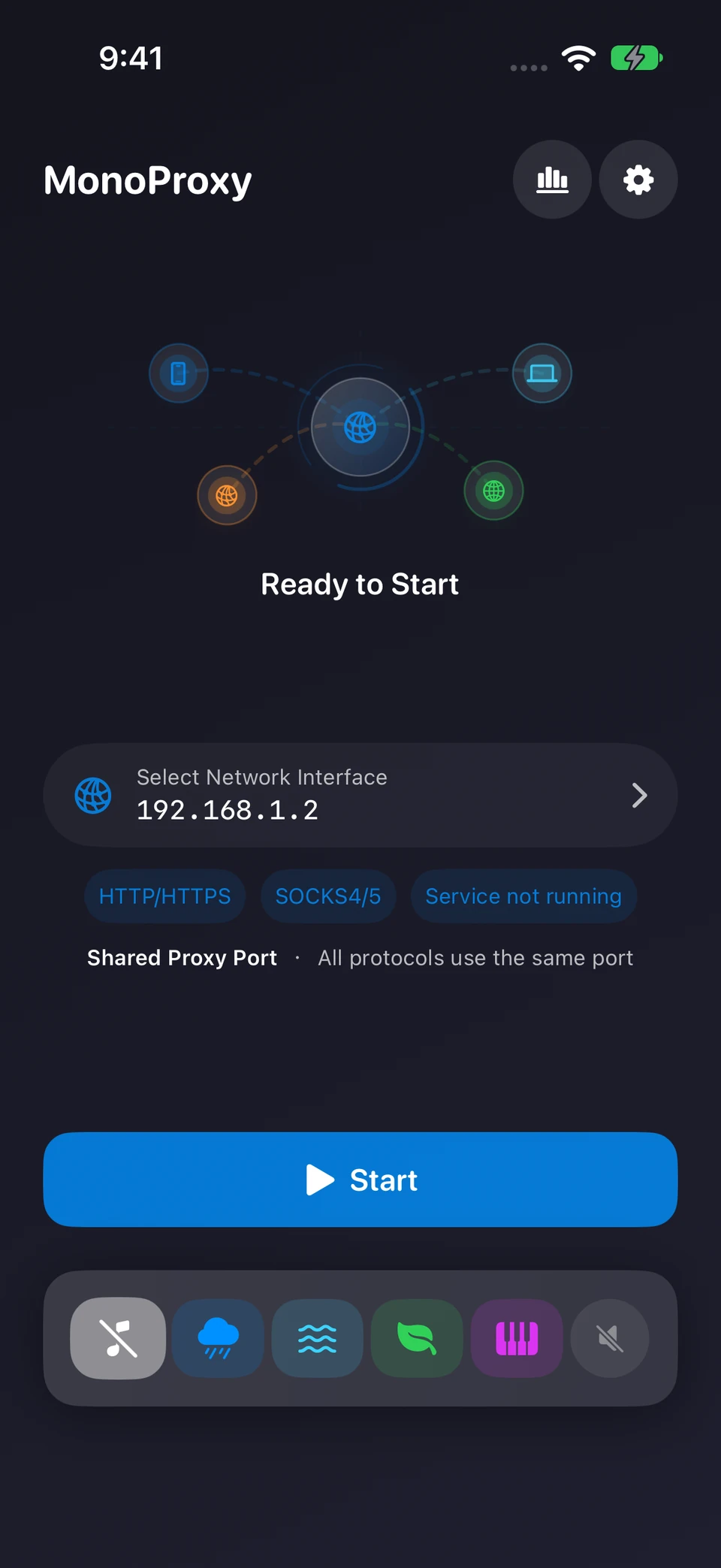
Choose a color that suits your workspace without changing how the connection workflow behaves.
Bright, calm and focused
Expressive without distraction
Comfortable in low light
MonoProxy runs on your iPhone without an account, analytics SDK or remote backend. It relays encrypted connections without installing certificates or inspecting content.
Proxy credentials remain on the device and never appear in connection logs.
No profiling, third-party analytics or remote traffic collection.
HTTPS tunnels are relayed without certificate installation or decryption.
Local host history and site totals are bounded, optional and clearable.
Connect nearby devices through the proxy server running on your iPhone. Start with the protocol your client supports.
Yes. Enable SOCKS in MonoProxy and use the address and shared service port shown in the app. Enter the same proxy credentials on your client when authentication is enabled. Keep the devices on the same reachable local network.
Start MonoProxy, then enter its address and port in your client’s HTTP proxy settings or use the PAC setup. On Mac, Proxy Companion can discover the service and route eligible apps. The setup guides explain each option.
MonoProxy is a local HTTP, HTTPS CONNECT and SOCKS proxy server. It does not supply a hosted proxy or VPN network. Client apps must use the local proxy endpoint, or connect through a compatible desktop proxy client.
Start once, connect your devices, and see when real traffic arrives.