Read the current state first
The server is ready, but no client has reached it. Check the network, address, port, and client proxy switch.
A client opened a connection, but usable proxy traffic has not passed yet. Check protocol choice, authentication, and the app generating traffic.
MonoProxy has relayed real traffic. If the client still fails, inspect the destination, client application, or network policy.
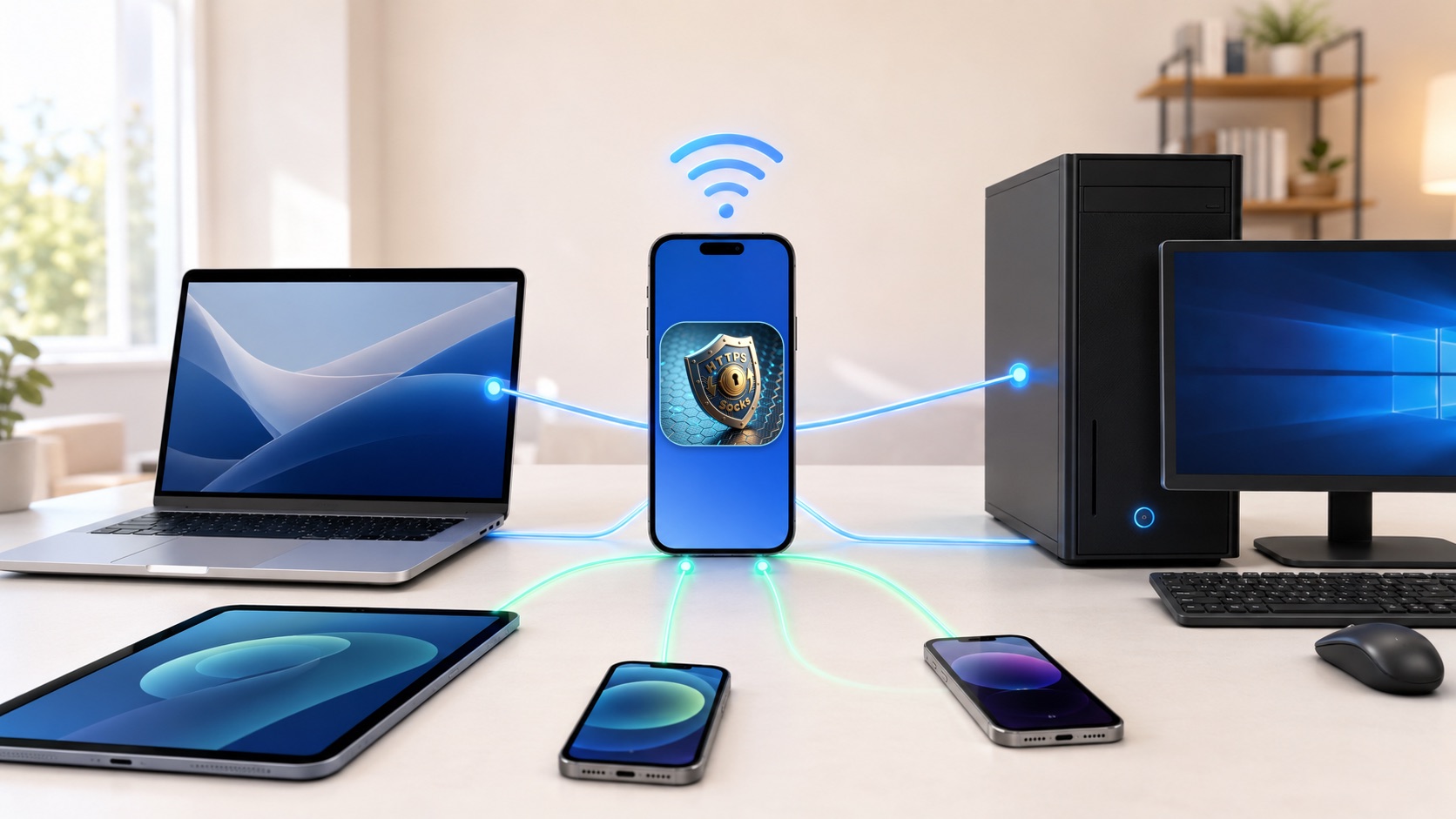
Check in this order
Confirm MonoProxy is listening
Start the server and keep MonoProxy in a state where it displays an IP address and port. If it is stopped, every client setting will fail.
Use the same local network
Connect the iPhone or iPad and the client to the same Wi-Fi or LAN. Guest Wi-Fi and client isolation can block devices from reaching each other.
Choose a reachable address
Enter the IP shown for the active local interface, not 127.0.0.1, a cellular address, or an address from a disconnected interface.
Match the client protocol
macOS needs both HTTP and Secure Web Proxy switches for browser traffic. Windows uses its manual HTTP/HTTPS proxy. SOCKS must be selected inside a client that supports SOCKS4 or SOCKS5.
Check authentication
If authentication is enabled, copy the current username and password into every relevant proxy entry. Saved credentials from an older profile can open a connection but fail the request.
Generate fresh traffic
Open a new browser tab and load a normal website after saving the proxy settings. Existing connections or cached pages may not create a new observable session.
Remove competing network layers
Temporarily disable another VPN, proxy, relay, firewall rule, or managed network profile on the client. Re-enable each layer after the direct local path works.
If the state still does not advance
先看当前状态
服务器已经就绪,但客户端尚未到达。检查网络、地址、端口和客户端代理开关。
客户端已建立连接,但尚未通过可用代理流量。检查协议选择、认证和实际产生流量的应用。
MonoProxy 已转发真实流量。若客户端仍失败,应继续检查目标站点、客户端应用或网络策略。
按顺序检查
确认 MonoProxy 正在监听
启动服务器,并确认 App 已显示 IP 地址和端口。服务器停止时,任何客户端配置都无法工作。
使用同一局域网
让 iPhone 或 iPad 与客户端连接到同一个 Wi-Fi 或局域网。访客网络和客户端隔离可能阻止设备互相访问。
选择可访问的地址
填写当前局域网接口显示的 IP,不要使用 127.0.0.1、蜂窝地址或已断开接口的地址。
匹配客户端协议
macOS 浏览流量需要同时开启 HTTP 和安全 Web 代理。Windows 使用手动 HTTP/HTTPS 代理。SOCKS 需要在支持 SOCKS4 或 SOCKS5 的客户端中选择。
检查认证
如果开启了认证,请把当前用户名和密码填入所有相关代理项。旧 Profile 留下的凭据可能能建立连接,但无法通过请求。
产生新的流量
保存代理设置后打开新的浏览器标签页并访问普通网站。已有连接或缓存页面可能不会产生新的可观察会话。
排除冲突的网络层
临时关闭客户端上的其他 VPN、代理、中继、防火墙规则或受管网络配置。直接局域网路径可用后,再逐项恢复。